Audio Tools
Creative tools, extensions, and devices built for music production.
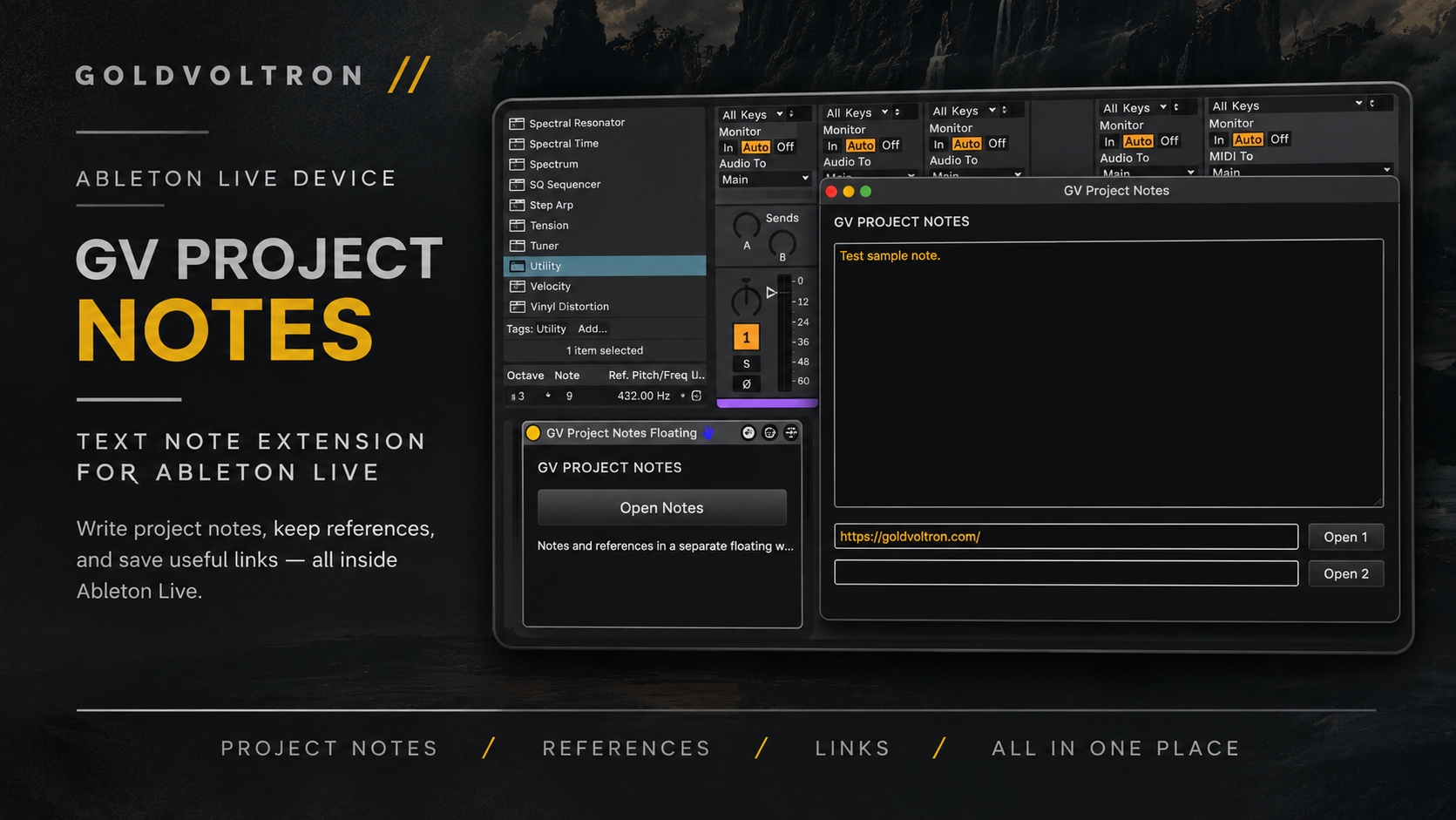
GV Project Notes
First release · Version 1.0.0
A Max for Live MIDI effect with a floating project-notes editor and two reference links. Notes and references are stored with each saved Ableton Live Set.
Requirements
Ableton Live 12 Suite, or Live 12 Standard with the Max for Live add-on enabled. Tested in Live 12 by the author; other Live versions and specific operating-system configurations are not covered. A default browser is required for reference links.
Installation
- Extract the ZIP completely.
- Move GV Project Notes Floating.amxd to a permanent folder, such as your Ableton User Library.
- Drag the device onto a MIDI track, then click Open Notes.
Close the floating editor before saving the Live Set from Live’s main window. Reopen the saved Set to verify important notes and links. Keep the device file available when moving projects. See the included README.md for the complete guide.
Back up existing Sets before upgrading. Earlier devices do not migrate notes automatically. Sharing a Set can share its notes and references; avoid storing passwords or private access tokens.
More tools in development
This is my first release. More Ableton Live devices and creative/audio tools are in development. Future releases will be added here as they become available.
Site designed by GV.
GoldVoltron.com is where I share the things I've spent years working on — my beats, scratch tools, and ideas.
I wanted a place where DJs could find something useful, practice, and maybe learn something along the way.
I still work on the site because I use these tools myself, and there's always something I want to improve.